Work orders with a sign-off.
Open a job against an aircraft, pull parts to it, and route it for approval, with the stock updating as the parts leave the shelf.
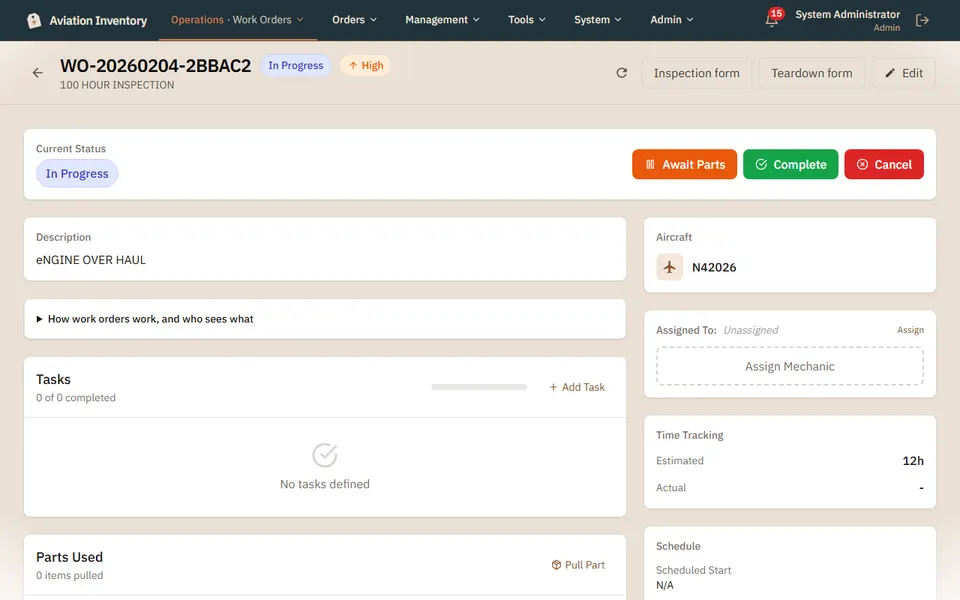
What a work order does
- Work orders by tail number, with the parts used and the people on the job
- An approval step before a job closes: supervisors, managers and admins can approve
- Stock updates as parts leave the shelf
- A mechanic sees the work orders assigned to them
- Invoice a finished work order: its hours and parts come across and you enter your prices (admins and managers only)
Step-by-step guides
Questions
- Who can approve a work order?
- Supervisors, managers and admins. A mechanic works the orders assigned to them.
- Does stock change when I use a part?
- Yes. Stock updates as parts leave the shelf for the job.
Keep reading
Try it with your own parts.
14 days free. No credit card required.