Your parts room, in your pocket.
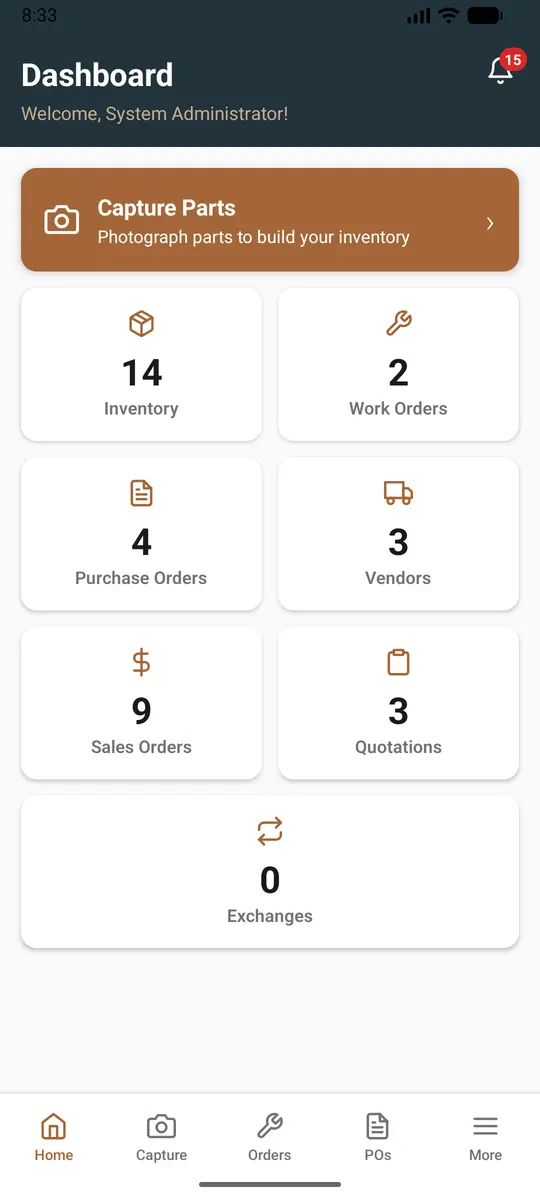
The companion phone app is included on every plan, on the same account and the same stock as the web app. It is built for the person standing at the shelf, the dock or the aircraft.
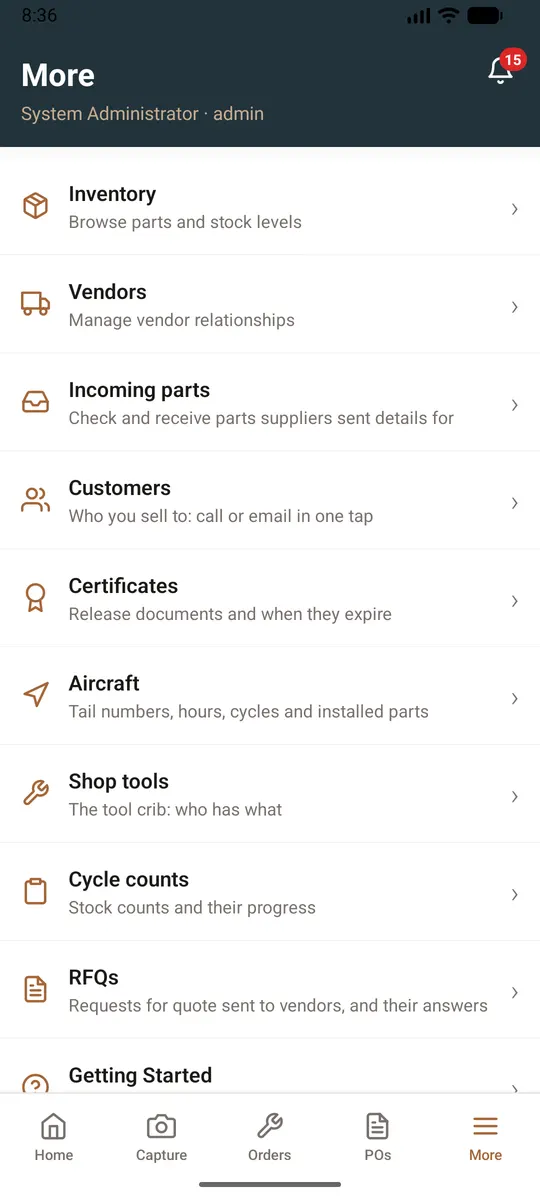
What it does
- Find a part and see where it is and how many you have
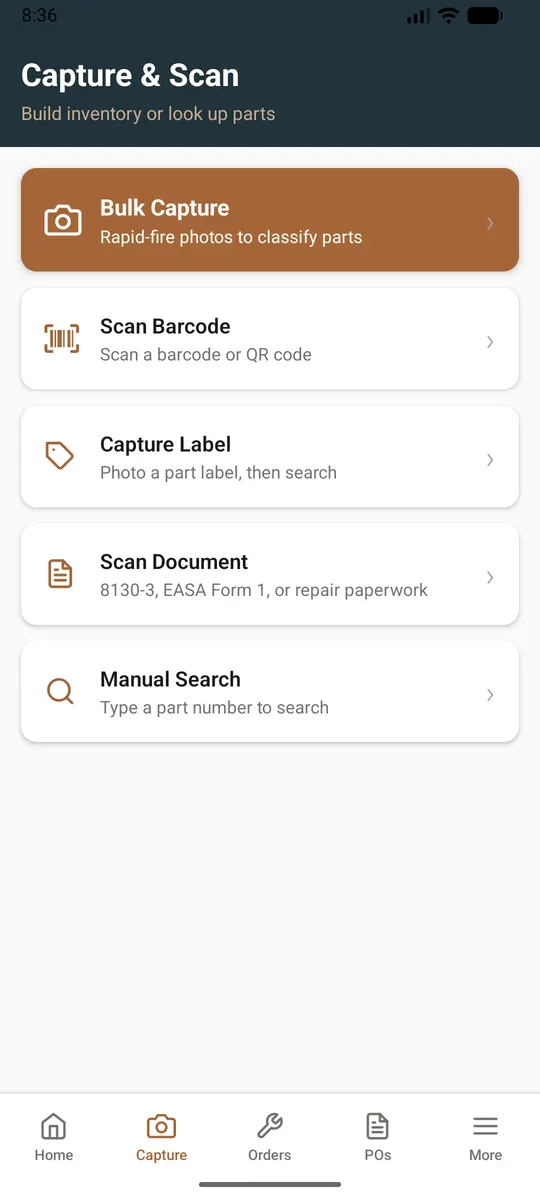
- Photograph parts and let the labels be read for you to check. A monthly number of photo reads comes with each plan
- Add stock on the spot: type the part number, add a new part that does not exist yet, type several serial numbers for one part, and add them all together
- Take photos of a part and, if you are an admin or manager, put them on your shop's website and list the part
- Receive a purchase order line by line, and see what a vendor wrote back
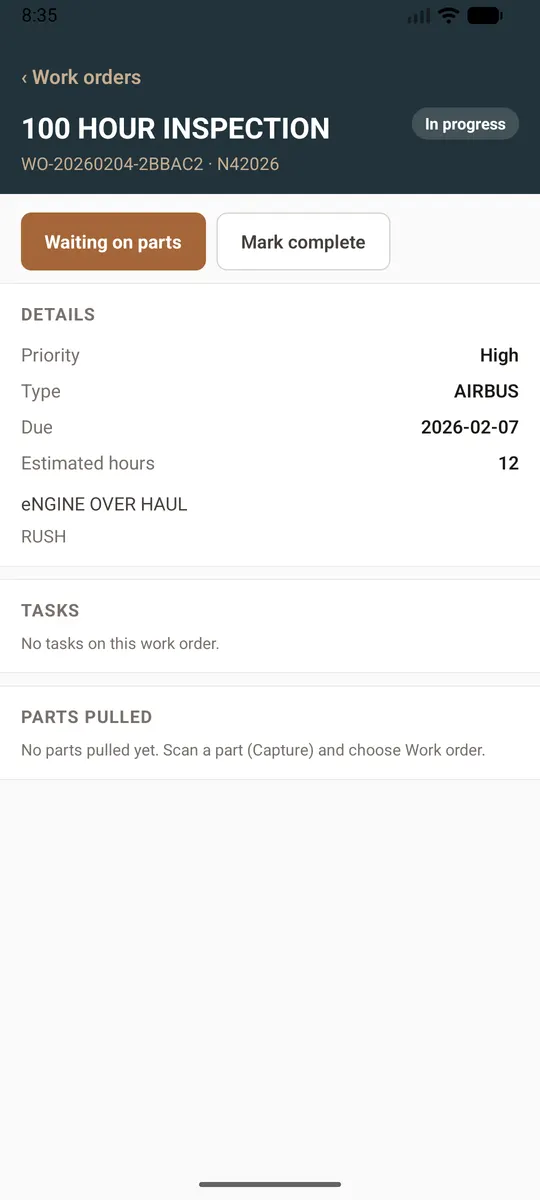
- Open and work your work orders
- Customers who emailed for a quote: find what you hold, check the shelf, type prices and make the quote
- Scan release and repair paperwork with the camera (Growth and up)
- Scan a barcode or QR code to pull up a part (Pro and up)
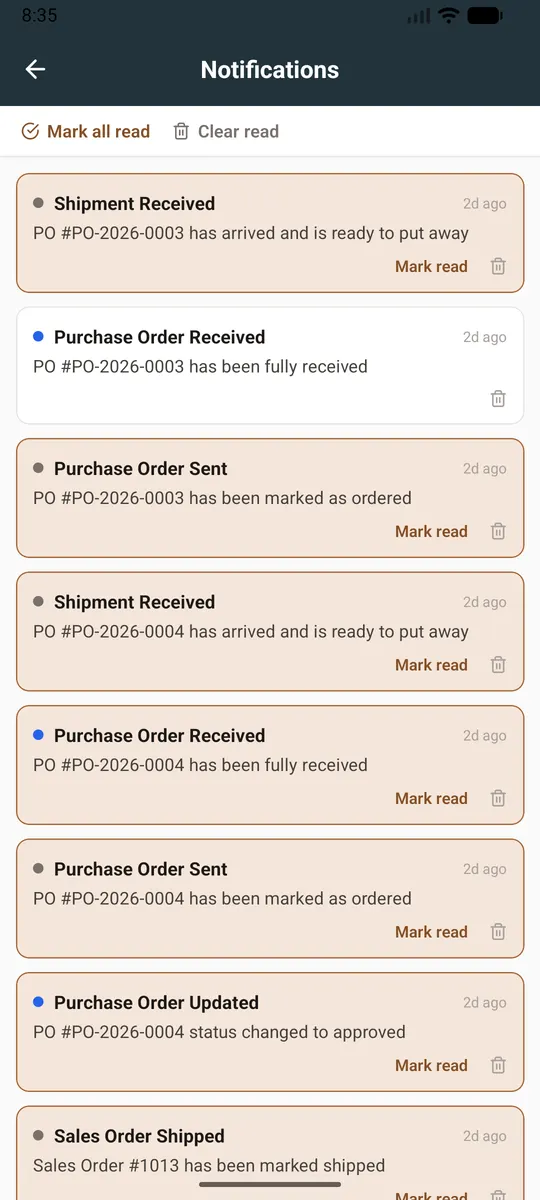
- Be told on your phone when something needs you, such as an approval
Same account, same stock
Nothing is copied between the phone and the web: they read and write the same records, so a part added on the phone is on the web at once. Your administrator can ask for the install link at support@zebradev.cloud.
Questions
- Does the phone app cost extra?
- No. It is included on every plan.
- Does it work on iPhone and Android?
- Yes. Your administrator can ask for the install link for either.
- Can I do everything on the phone that I can on the web?
- Not everything. The phone covers the work done at the shelf, the dock and the aircraft; the longer paperwork and reports are on the web.
Keep reading
Try it with your own parts.
14 days free. No credit card required.