Start from the dashboard
What is low, what needs your sign-off, and a quick way into the jobs you do most.
About 1 min · Value: admin or manager
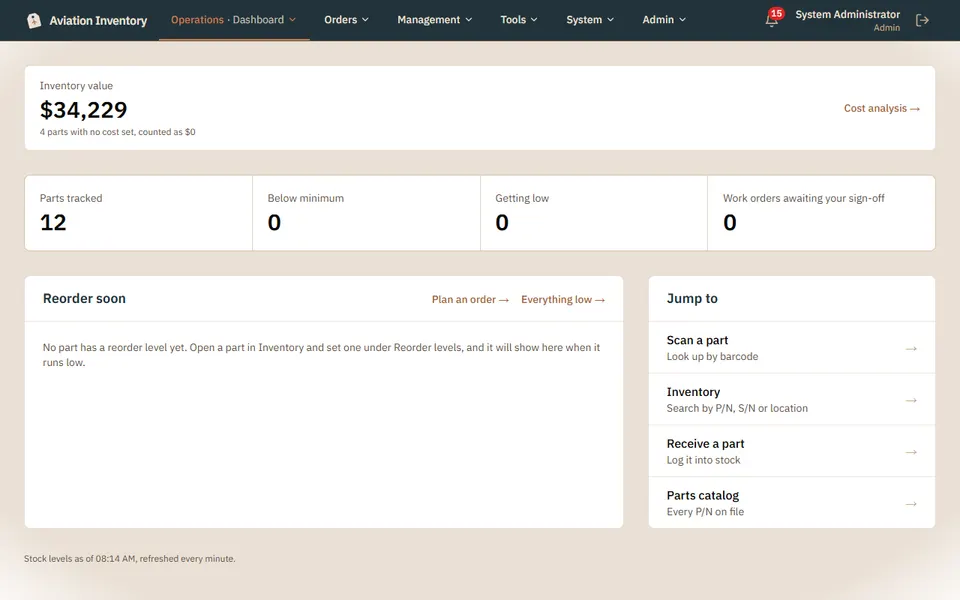
Read the four numbers
Parts tracked, below minimum, getting low, and work orders waiting for your sign-off.
Plan the next order
Reorder soon lists parts running low. Plan an order turns them into a purchase order.
Jump to a job
Scan a part, search inventory, receive a part or open the parts catalog from the list on the right.
Tip: Inventory value is shown to admins and managers only.