Never miss an update
The bell shows how many things are waiting. Open it, tap one to go straight to it, or clear them all.
About 1 min
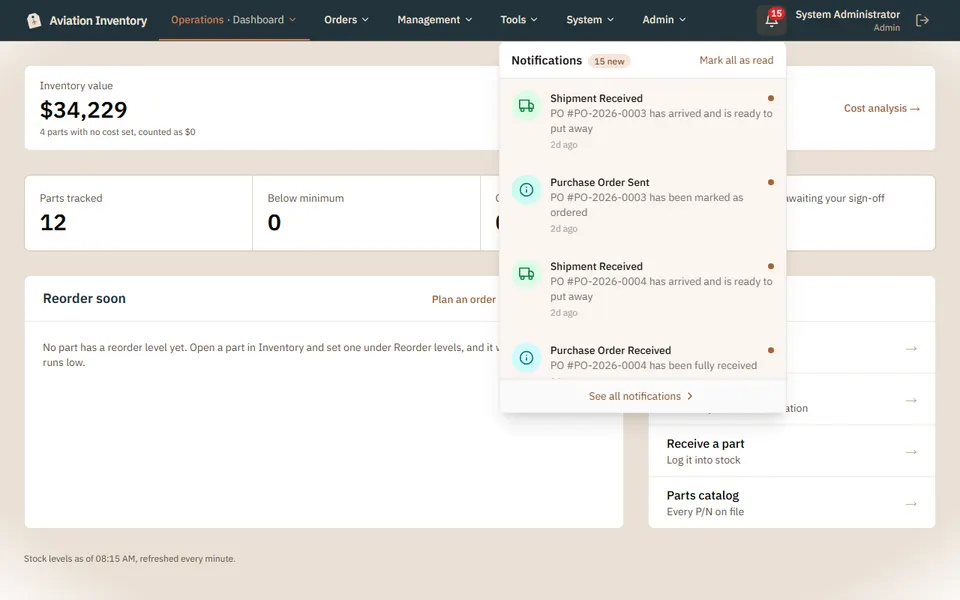
Look for the number
The bell is at the top right of every page. The number is how many you have not read.
Open the panel
The newest come first. Tap one and it opens the order, part or document it is about.
Clear them
Mark all as read empties the count. See all notifications opens the full list.
Tip: When nothing is waiting the panel says you are all caught up, so you never land on an empty page.