Send a part to a vendor for repair
A repair order records what went out, what came back repaired or scrapped, and the vendor's charges.
About 3 min · Admins and managers (the charges are money).
Make the repair order
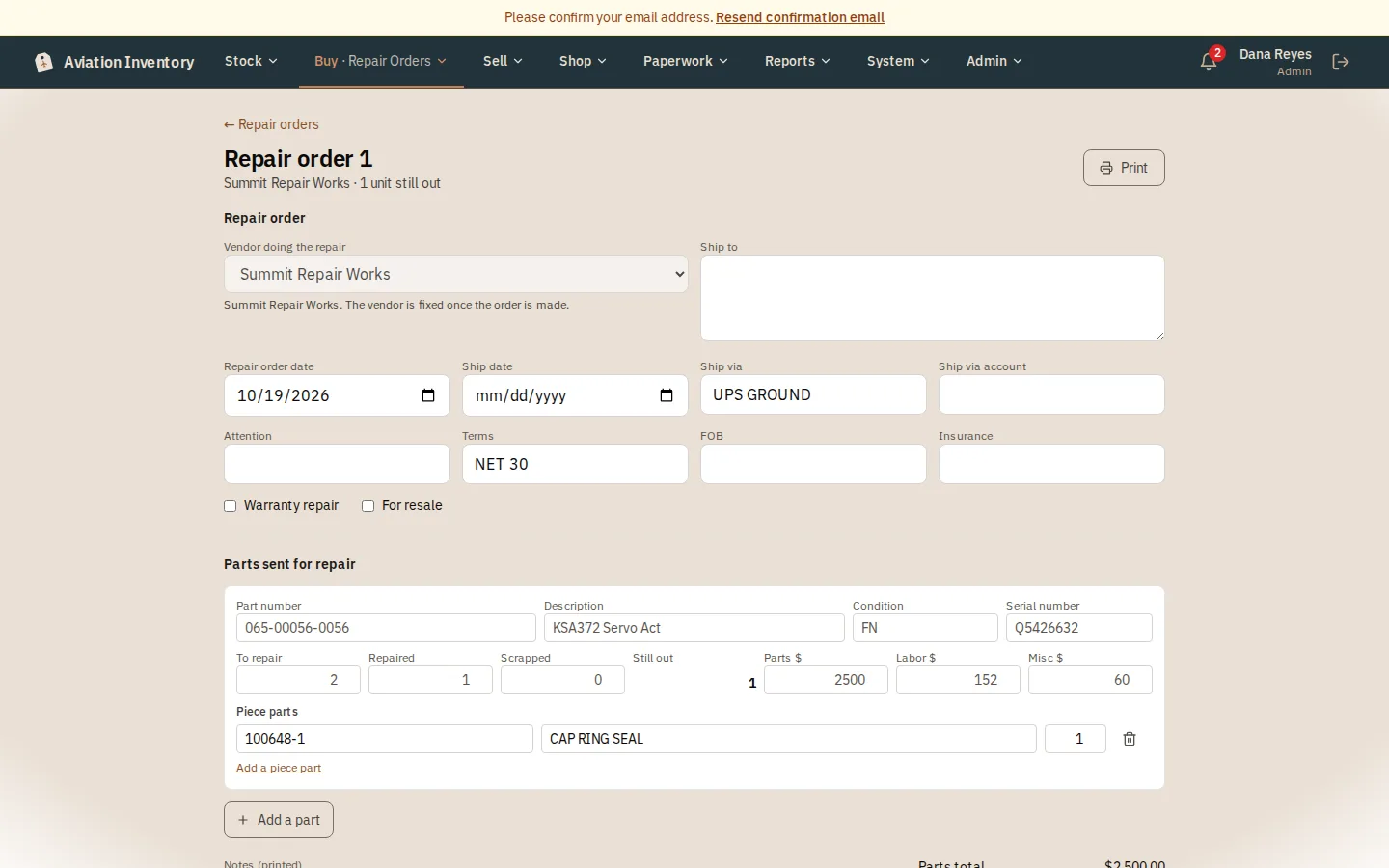
Buy > Repair Orders > New repair order. Choose the vendor, how it ships, and add each part with its serial number and how many to repair.
Record what comes back
Open the order and enter how many were repaired and how many were scrapped. The page shows how many are still out.
Add the charges and piece parts
Enter the vendor's parts, labor and misc charges on each line, and the piece parts used.
Close it
When nothing is still out, press Close the repair order. Print it for the vendor any time.
Tip: A repair order does not move stock. The part leaves and returns on its own page.