Send a core back to a vendor
The confirmation that goes with a core you owe on an exchange part, tied to the purchase order.
About 2 min · Admins, managers and supervisors.
Start from the purchase order
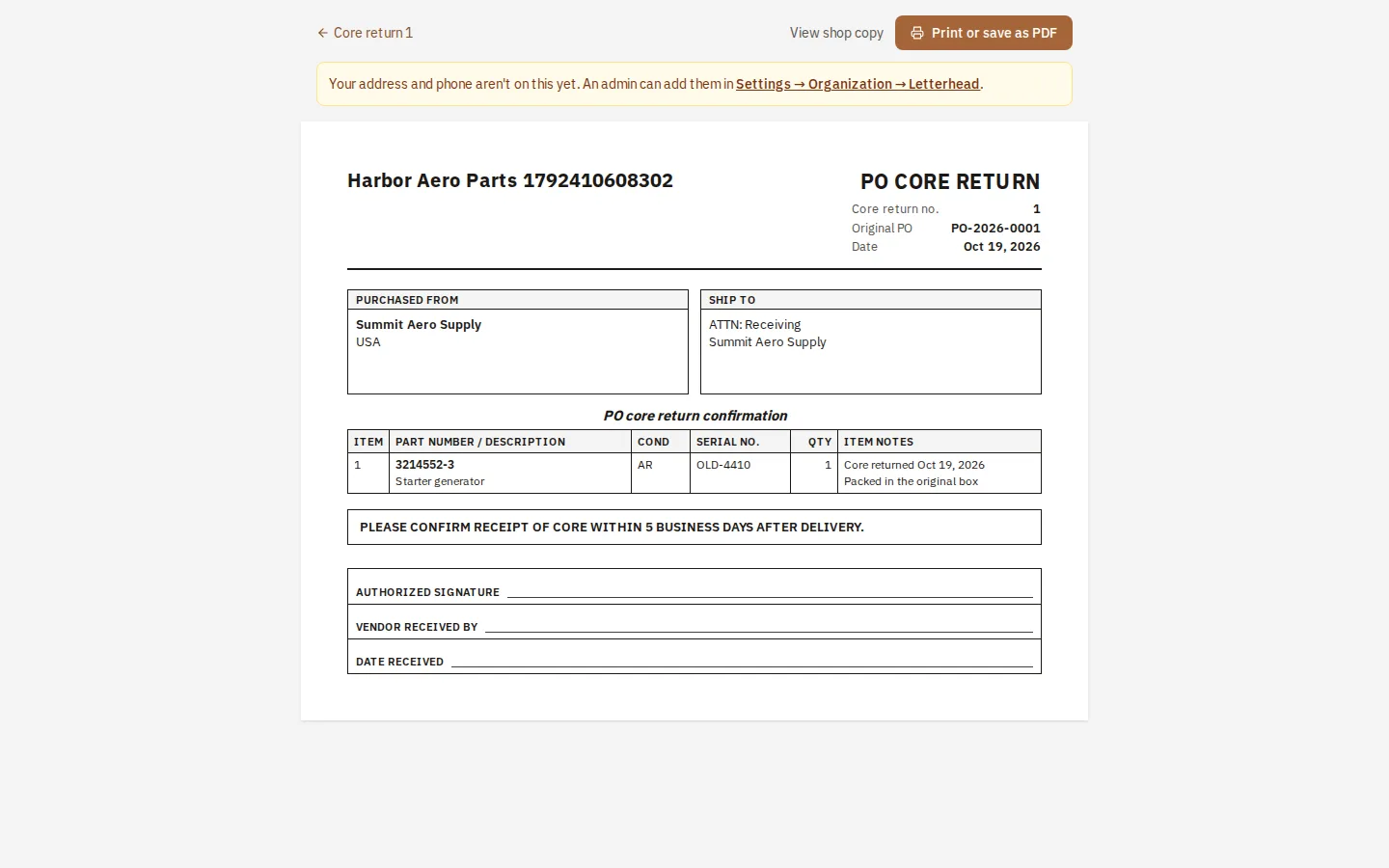
Open the purchase order and press Return a core. The vendor and the order's number and date come across.
List the cores
Press a part from the order to add it, then enter its condition and serial number and a note.
Make it and print it
It is frozen once made. Print it and put it in the box; it asks the vendor to confirm receipt within five business days.
Tip: It has no prices and does not move stock. To correct a mistake, void it and make another.