Quote from a customer's list
Paste what they asked for, one part per line. We match it to your stock, and nothing is created until you say so.
About 2 min · Selling: people allowed to sell
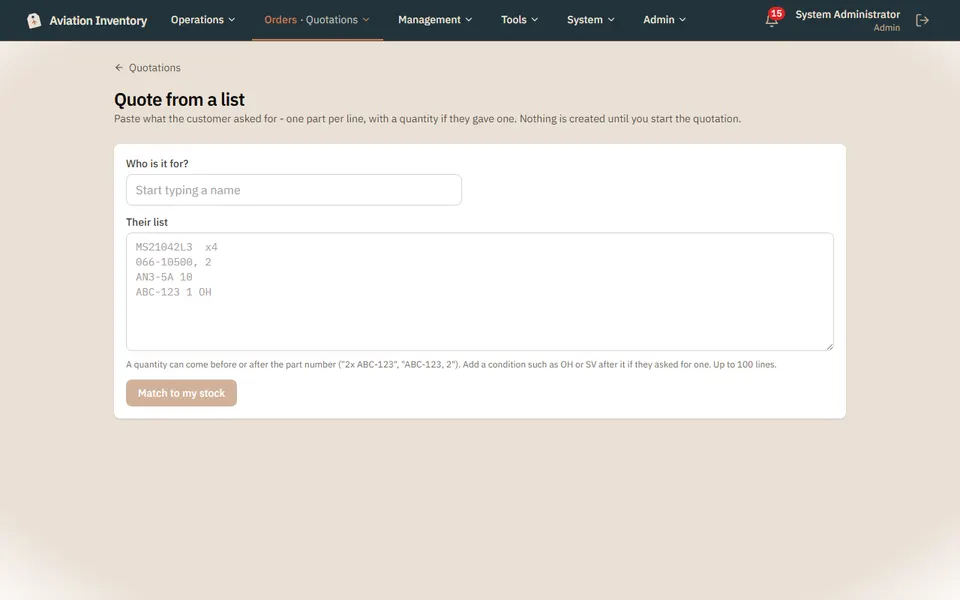
Open Quote from a list
Sell > Quotations, then Quote from a list.
Say who it is for
Start typing a customer name and pick them.
Paste their list
One part per line. A quantity can come before or after the part number, and you can add a condition such as OH or SV.
Match to my stock
You see what you have, what you do not, and can start the quotation from the matches.
Tip: Up to 100 lines at a time.