See which stock has sat the longest
How long stock has been on the shelf, what each age band is worth, and the oldest lines.
About 1 min · Admins and managers.
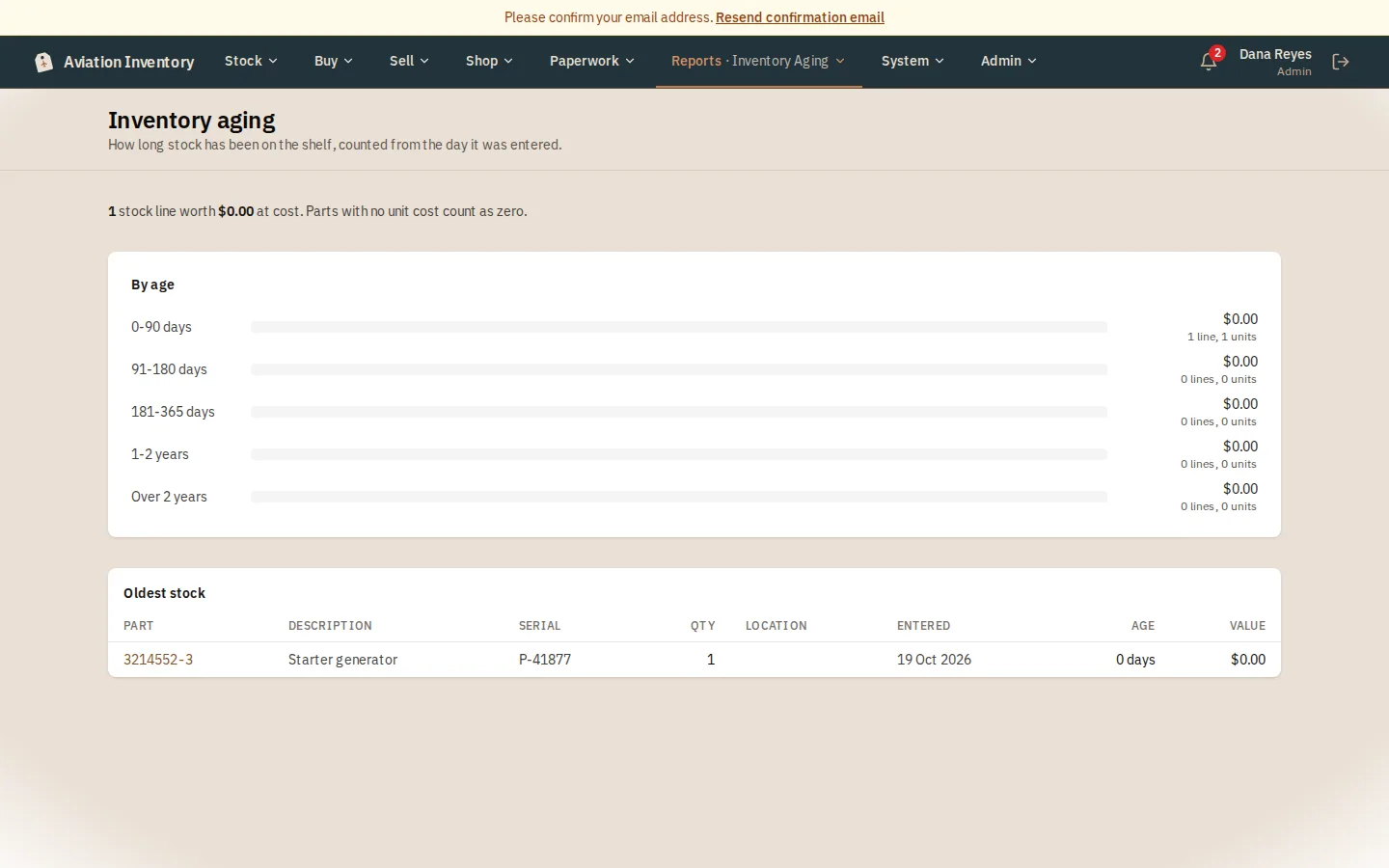
Open the report
Reports > Inventory Aging.
Read the bands
Five bands from 0 to 90 days up to over 2 years, each with its value and how many lines it holds.
Look at the oldest
The list below the bands shows the oldest 100 lines. Press a part number to open it and decide what to do.
Tip: Age counts from the day the line was entered in the app.