Scan a part
Point a camera at a tag or type the number. Then move the part, put it on a work order or count it.
About 1 min
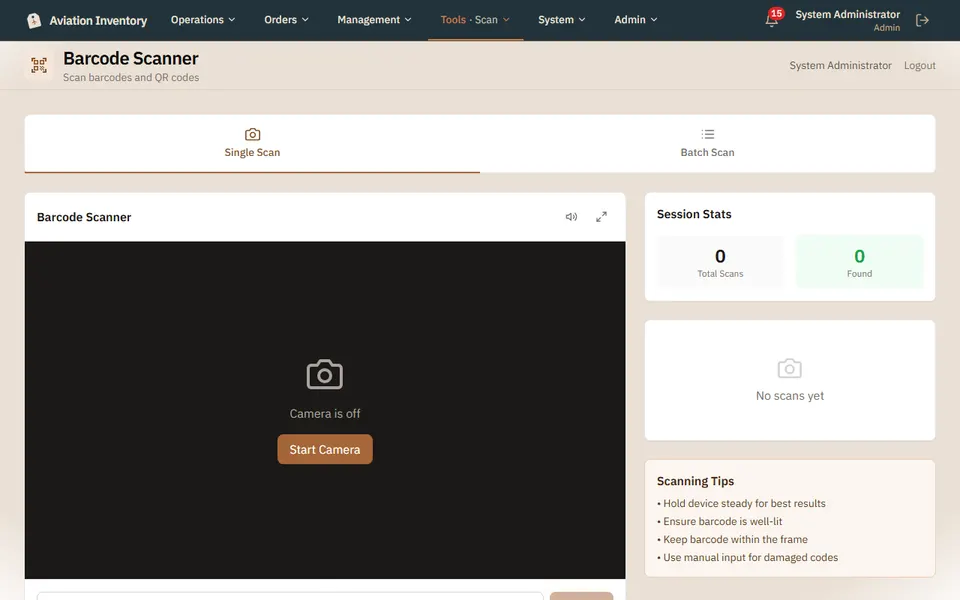
Open Scan
Stock > Scan. Press Start Camera and allow it when asked.
Scan one, or many
Single Scan looks up one part. Batch Scan keeps going so you can work down a shelf.
No camera, or a damaged code?
Type the number in the box under the picture instead.
Act on what you found
The result offers the next step: move it to another location, pull it onto a work order, or count it.
Tip: A scan is recorded with who did it and when, and the record cannot be edited afterwards.