Prepare an export application (FAA 8130-1)
For parts going to a buyer outside the United States: start from the sales order and print it for signature.
About 3 min · Admins, managers and supervisors.
Start from the sales order
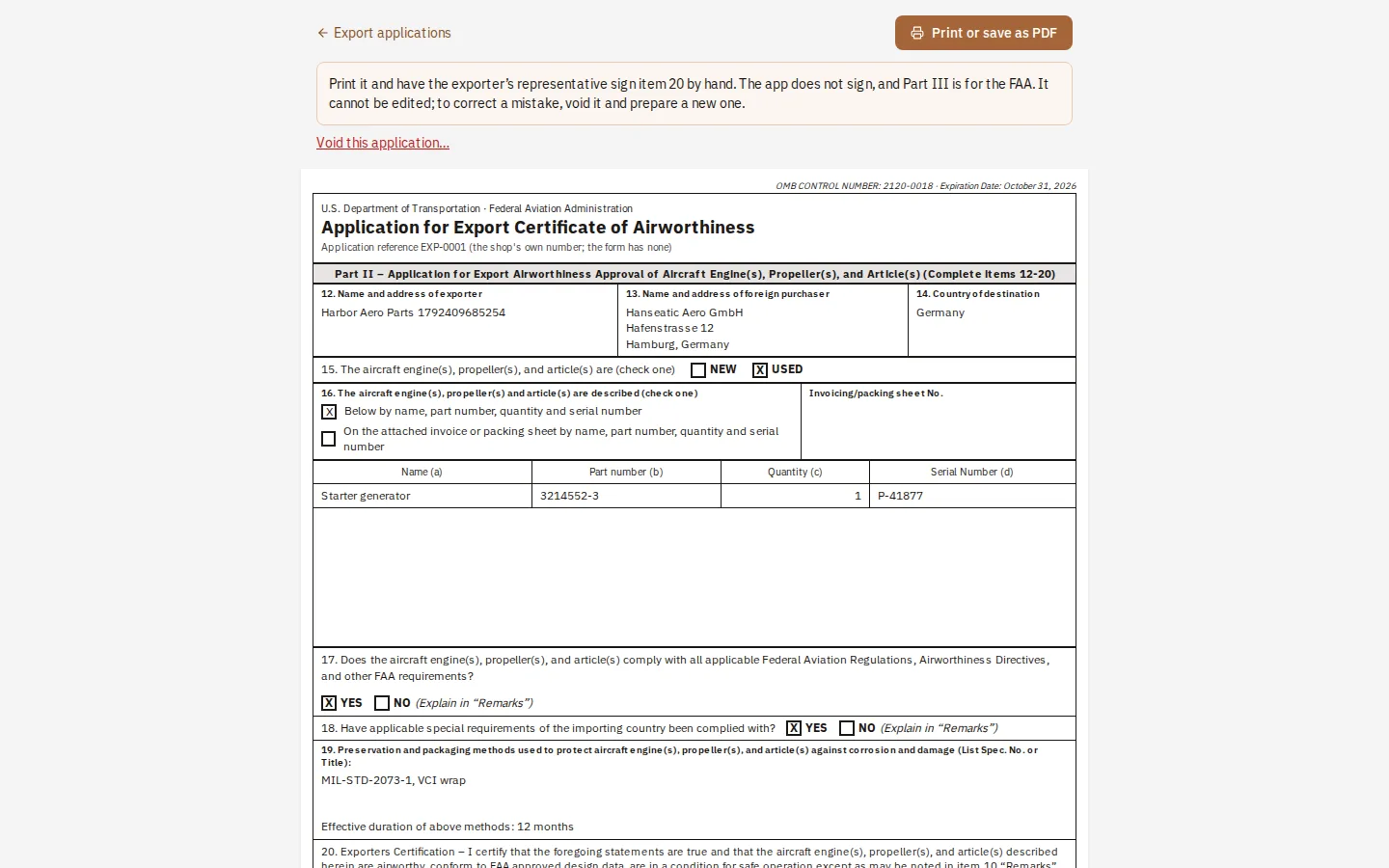
Open the sales order and press Prepare export application. The buyer and the parts are copied across.
Fill in the rest
Choose the country, NEW or USED, how the items are described, and how they are packed. A No to the FAA or importing-country question must be explained in the remarks.
Prepare and print
It gets a number and is frozen. Print it; your representative signs item 20 by hand. Part III is for the FAA.
Tip: This is Part II, for engines, propellers and parts. It is not the form for a whole aircraft.