Find any part in seconds
Type a part number, serial or barcode and the list narrows as you type. Save the searches you repeat.
About 1 min
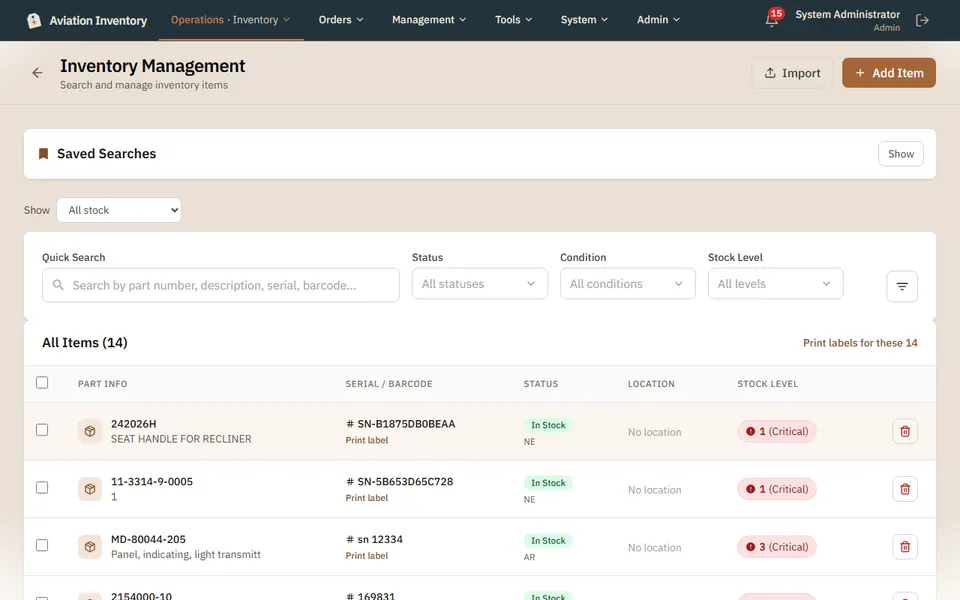
Open Inventory
Stock > Inventory. Every part you hold is in one list, with its serial, status, location and stock level.
Type to search
Quick Search looks at part number, description, serial and barcode at once. You do not need to say which one you typed.
Narrow it down
Use Status, Condition and Stock Level to cut the list. The filter button next to them has more.
Keep a search you use often
Saved Searches remembers a set of filters so the next time is one tap.
Tip: A part showing Critical is at or below the level you set for it. Open it to change that level.