Fix a part or a single unit
Correct a serial, quantity or condition on one unit, or fix the part number and description that every unit shares.
About 1 min
Open the part
Stock > Inventory, then tap the row. The Details section has two buttons side by side.
Choose what you are fixing
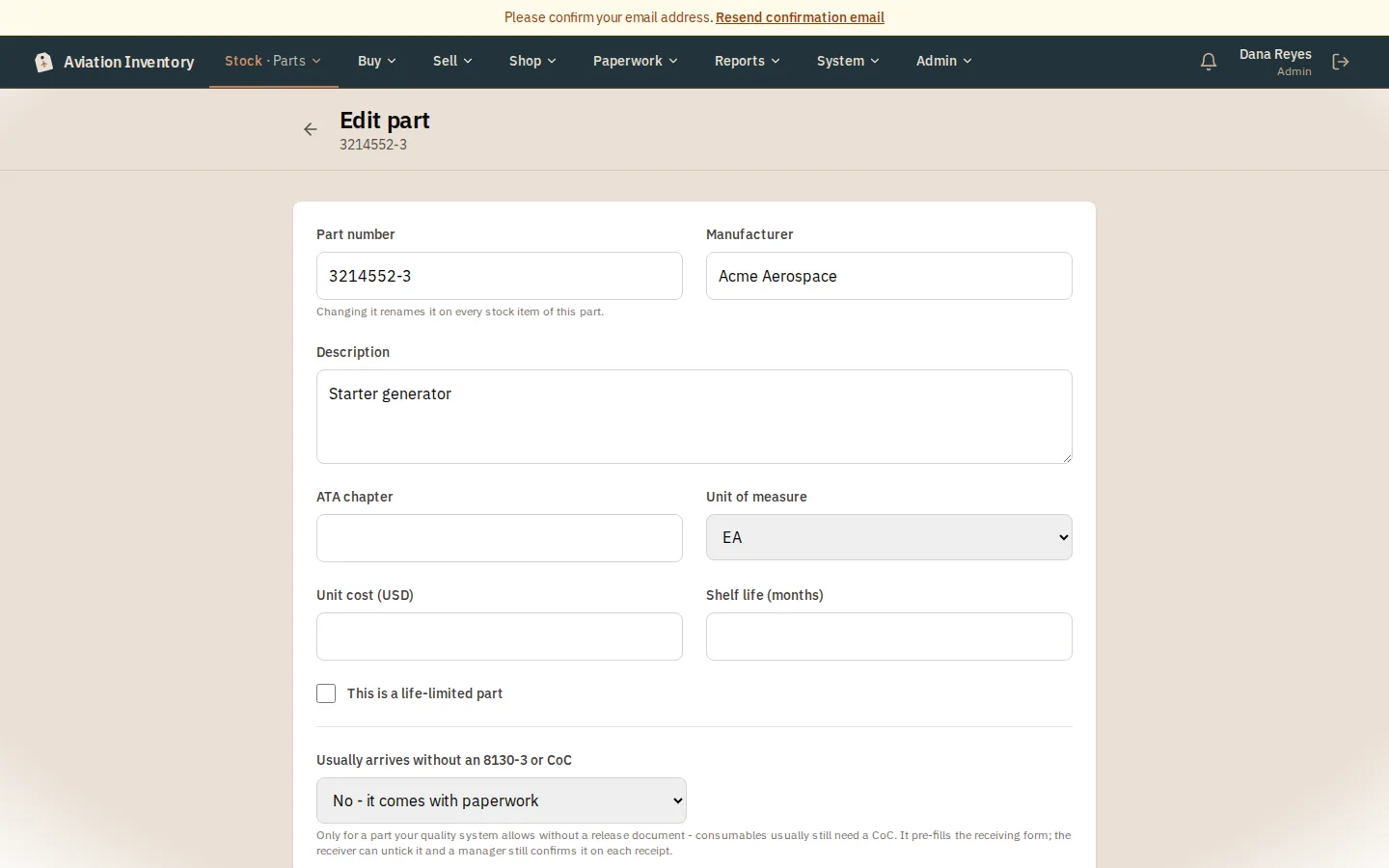
Edit this unit changes this one item: serial, quantity, condition, location. Edit part changes what is true of every unit of that part: part number, description, manufacturer.
Save
Press Save and you are back on the part you came from, not the parts list. Back or Cancel does the same.
Tip: A change to a part number or a serial is written to the audit log with the old and new value.