Credit a customer for returned parts
Start from the shipped order, trim what came back, and print a credit memo. It never changes stock.
About 2 min · Admins, managers and supervisors.
Open the shipped sales order
Sell > Sales Orders, then the order. Press Create credit memo.
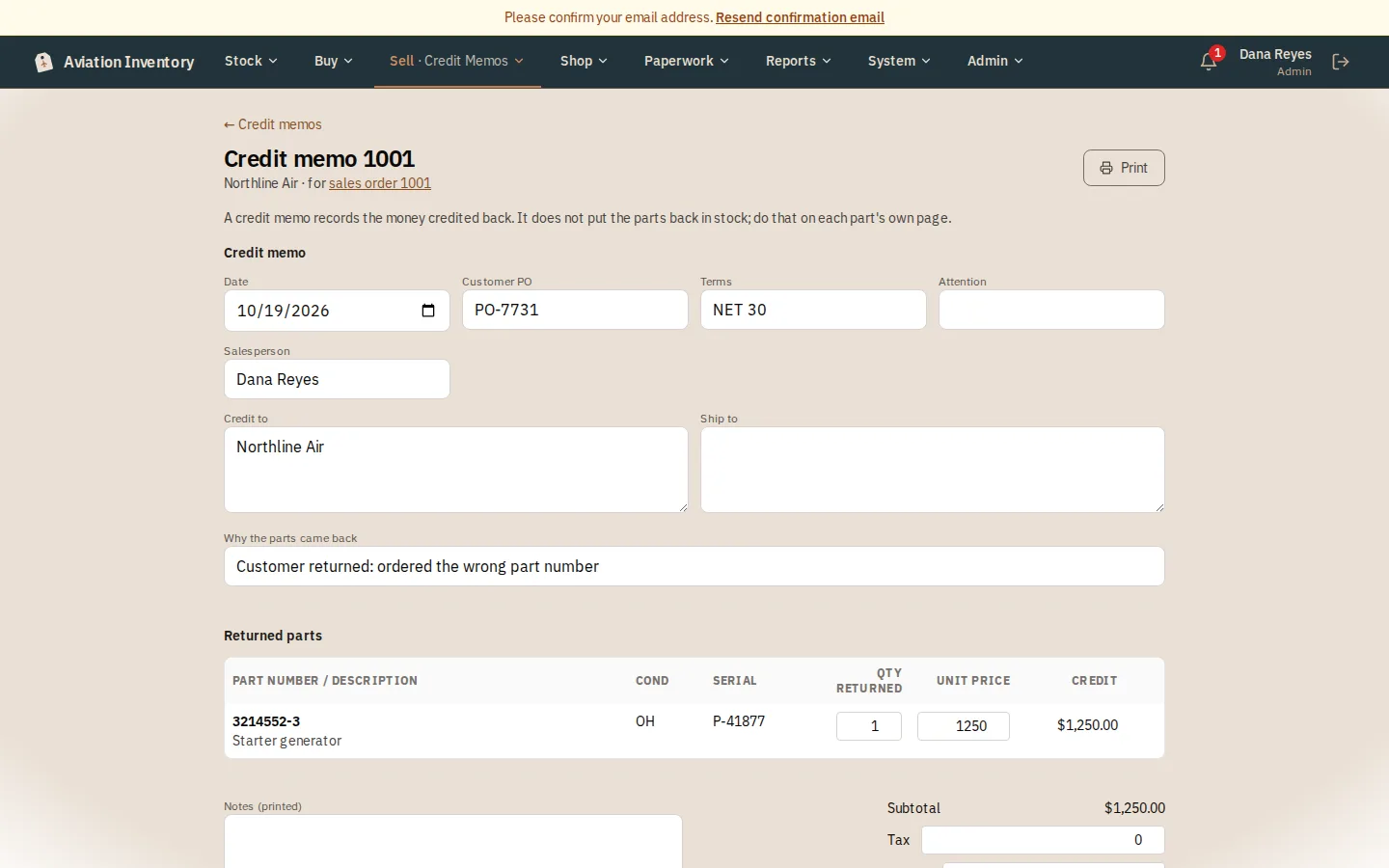
Trim what came back
The parts that can still be credited are copied across at the price they were sold for. Lower a quantity, remove a line, or change a price.
Say why, and set the charges
Add the reason the parts came back, and any tax, freight or handling to credit. A part can never be credited more than was sold.
Save and print
Press Save changes, then Print. Amounts print as credits. To undo one, void it with a reason; it is never deleted.
Tip: A credit memo only records the money. Put the returned part back in stock on its own page.