Approve a customer return with an RMA
Give the customer a return authorization before they ship a part back, then receive it and decide what happens to it.
About 2 min · Admins, managers and supervisors.
Open the shipped sales order
Sell > Sales Orders, then the order. Press Authorize a return.
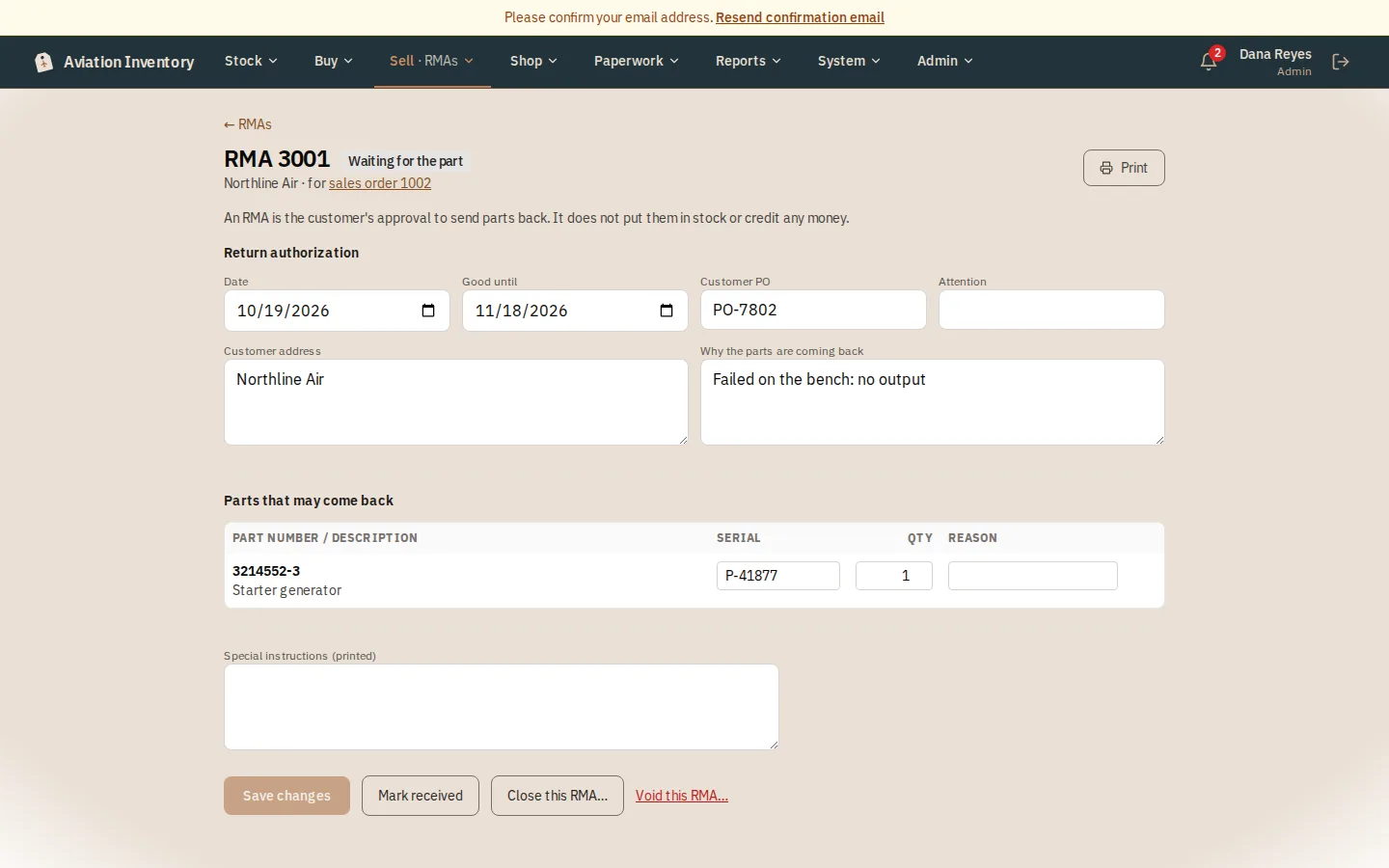
Trim what may come back
The parts still returnable are copied across. Lower a quantity, remove a line, add the reason, and set how long the approval is good (30 days to start).
Print it for the customer
Press Print. It carries your logo, the RMA number to write on the package, and what to send with the part.
Receive it, then decide
When the part arrives press Mark received, then Close this RMA with what you decided: credit, replace, repair or reject.
Tip: An RMA never changes stock or credits money. To pay the customer back, create a credit memo from the sales order.